
For iPhone
Share photos of your child. Not of the whole class.
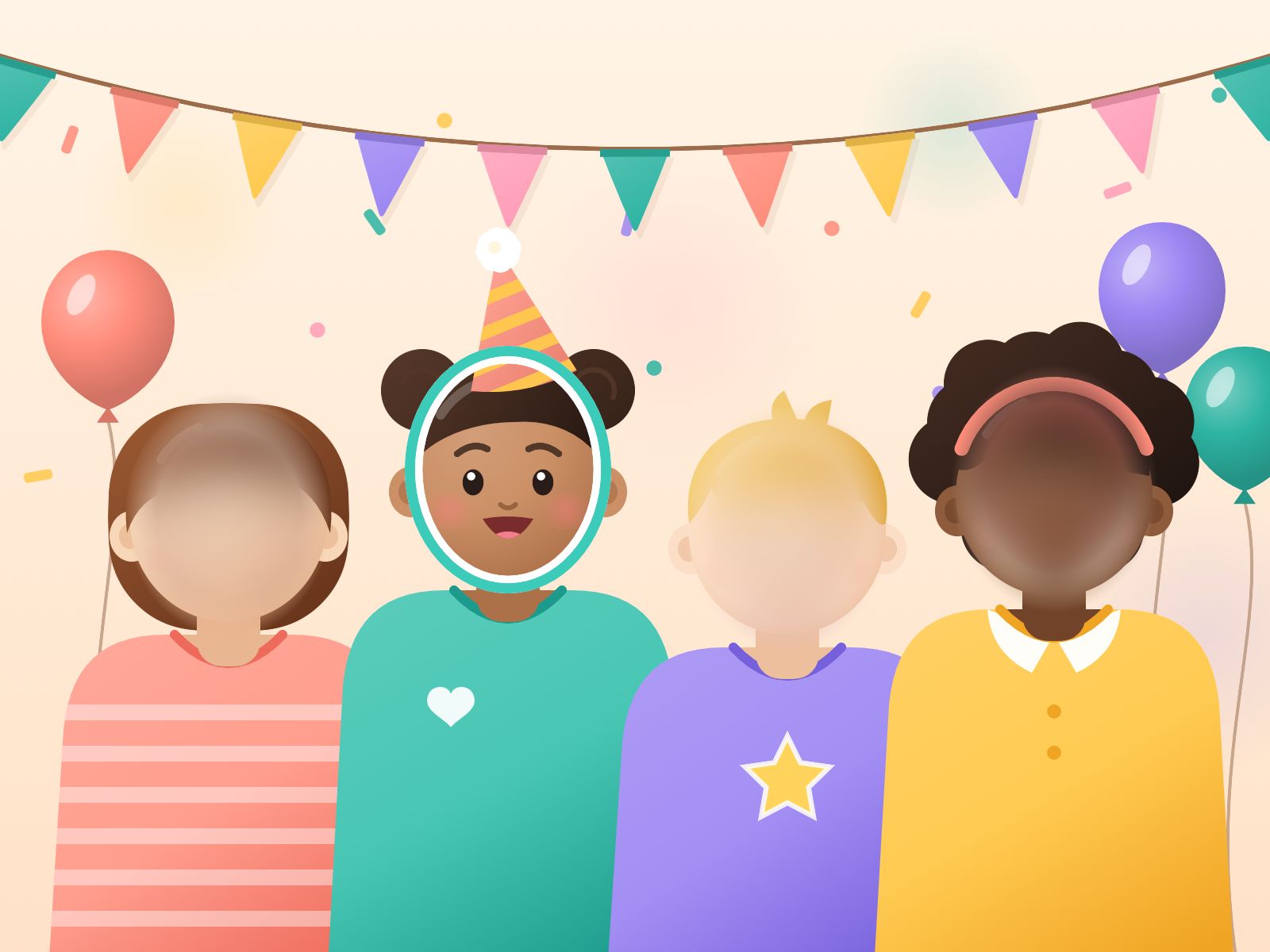
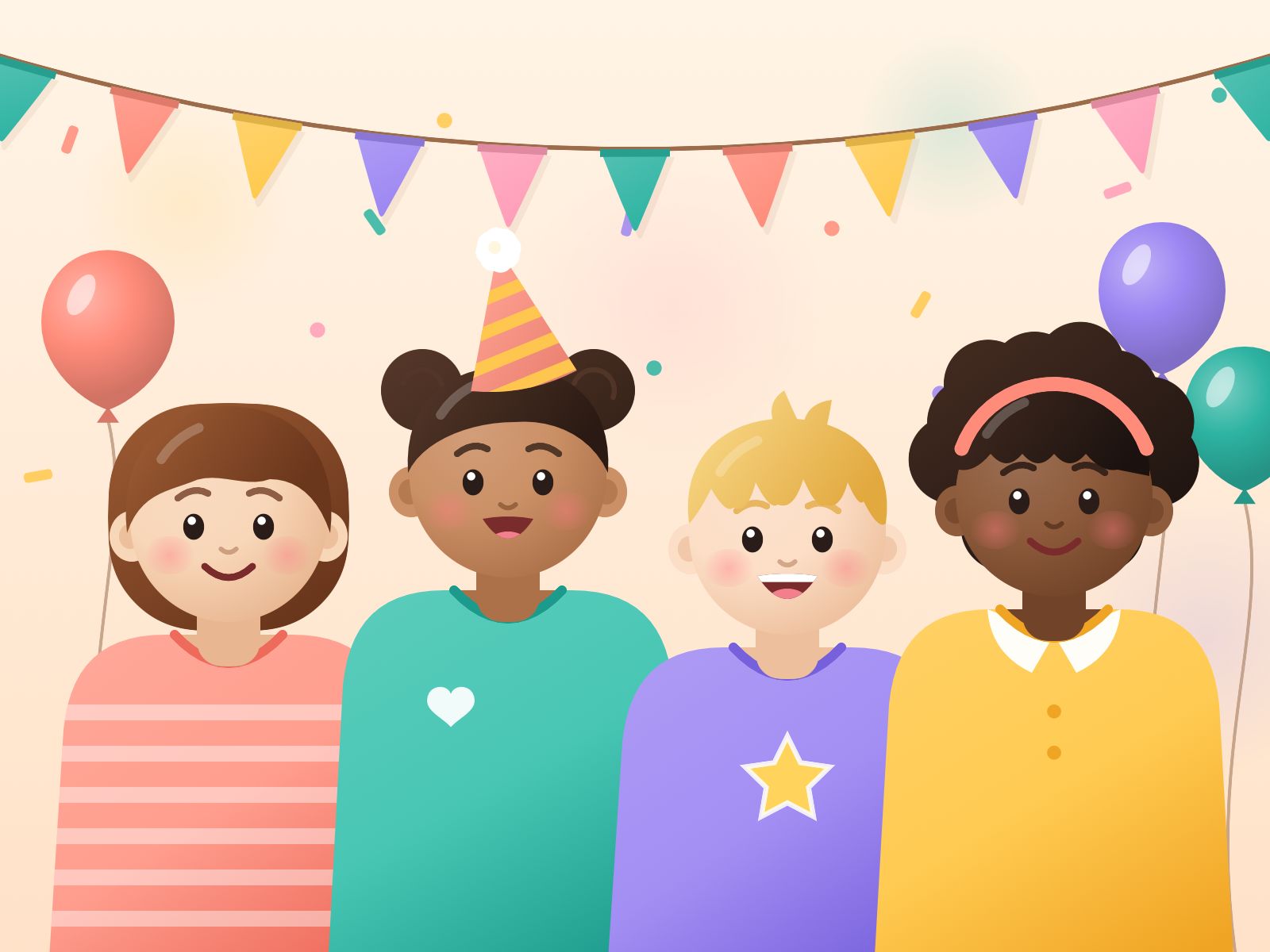
Nestpic hides every other face in your photo. Your child stays sharp, and one tap shares it with the class chat.
Coming soon to the App Store
How it works
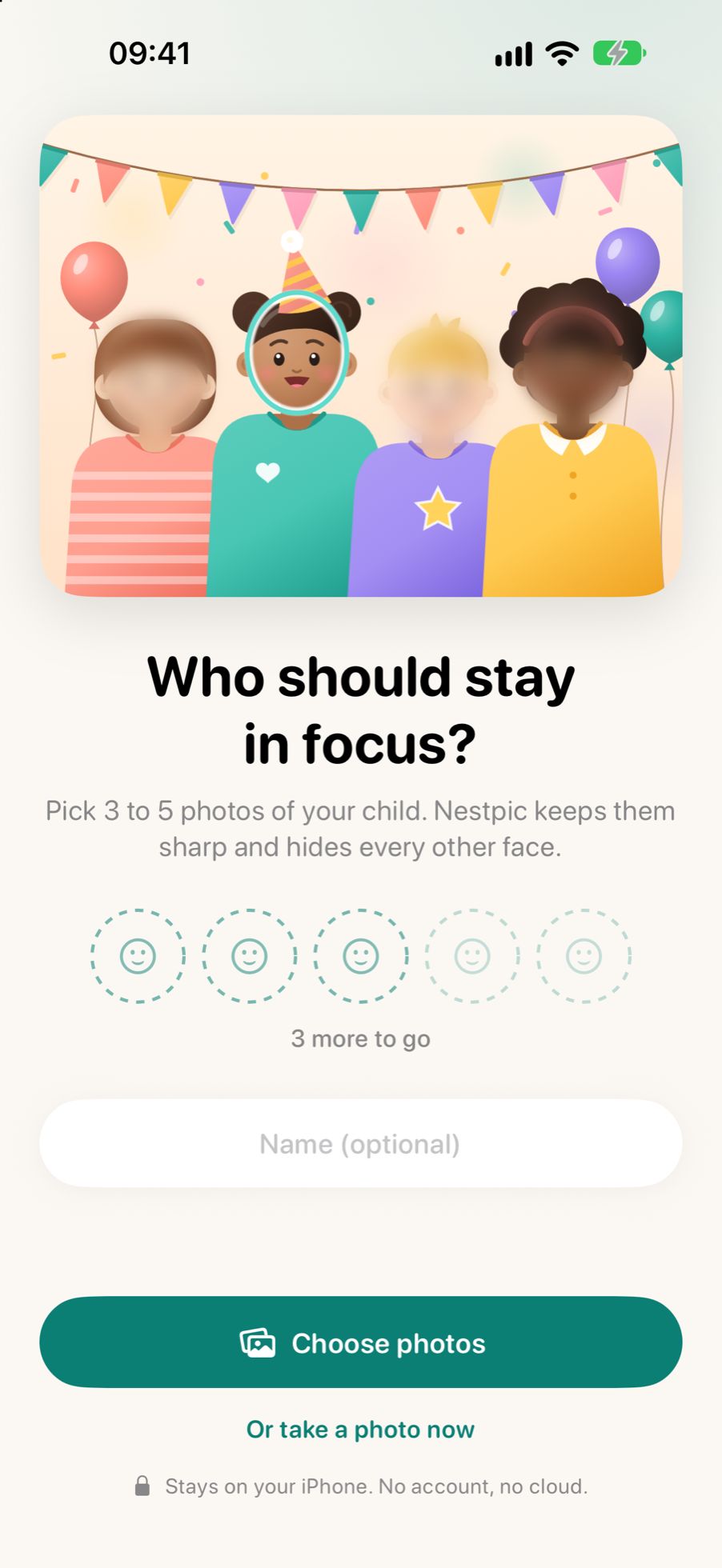
Who should stay sharp?
Pick 3 to 5 photos of your child. Nestpic learns the face, on your iPhone itself.
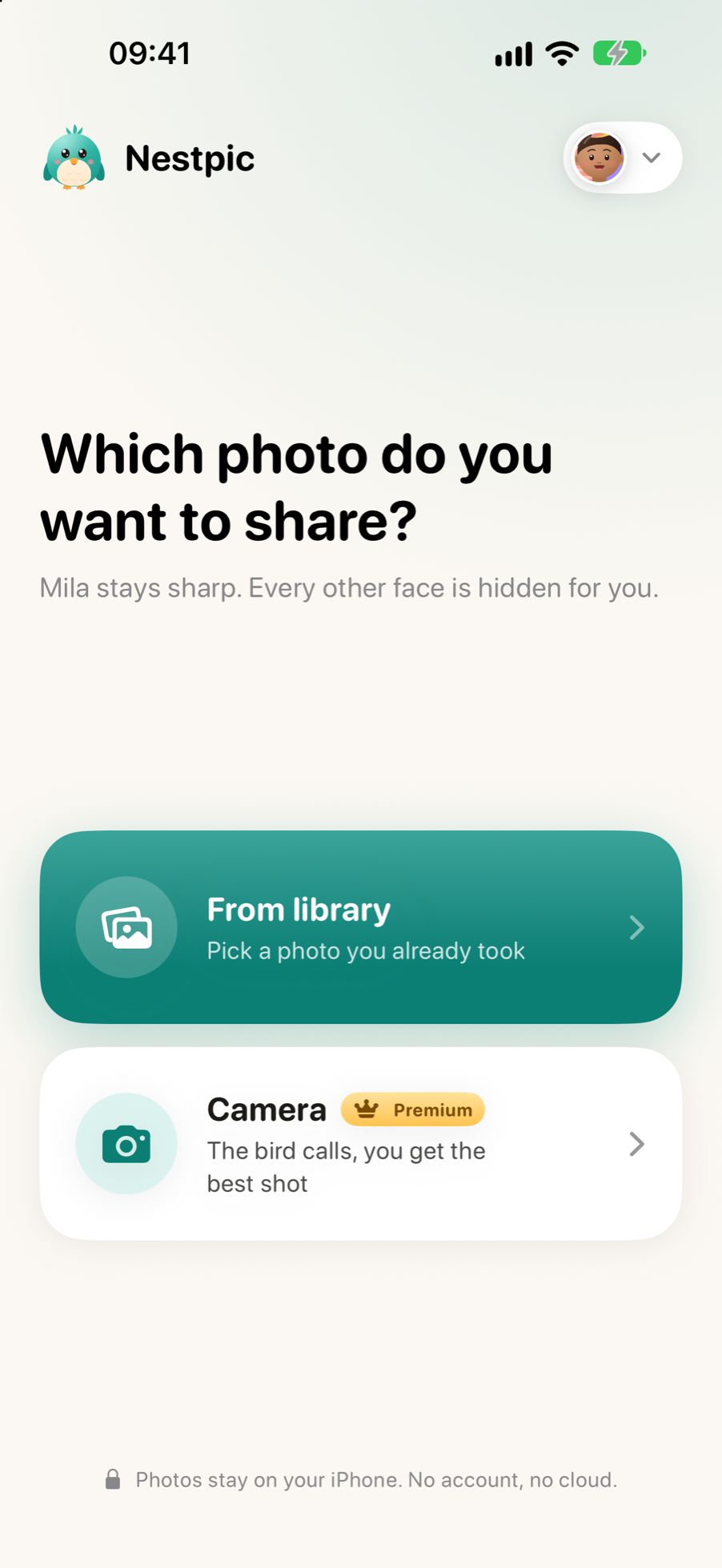
Pick a photo
From your library, or take one with the bird camera. Nestpic finds every face.
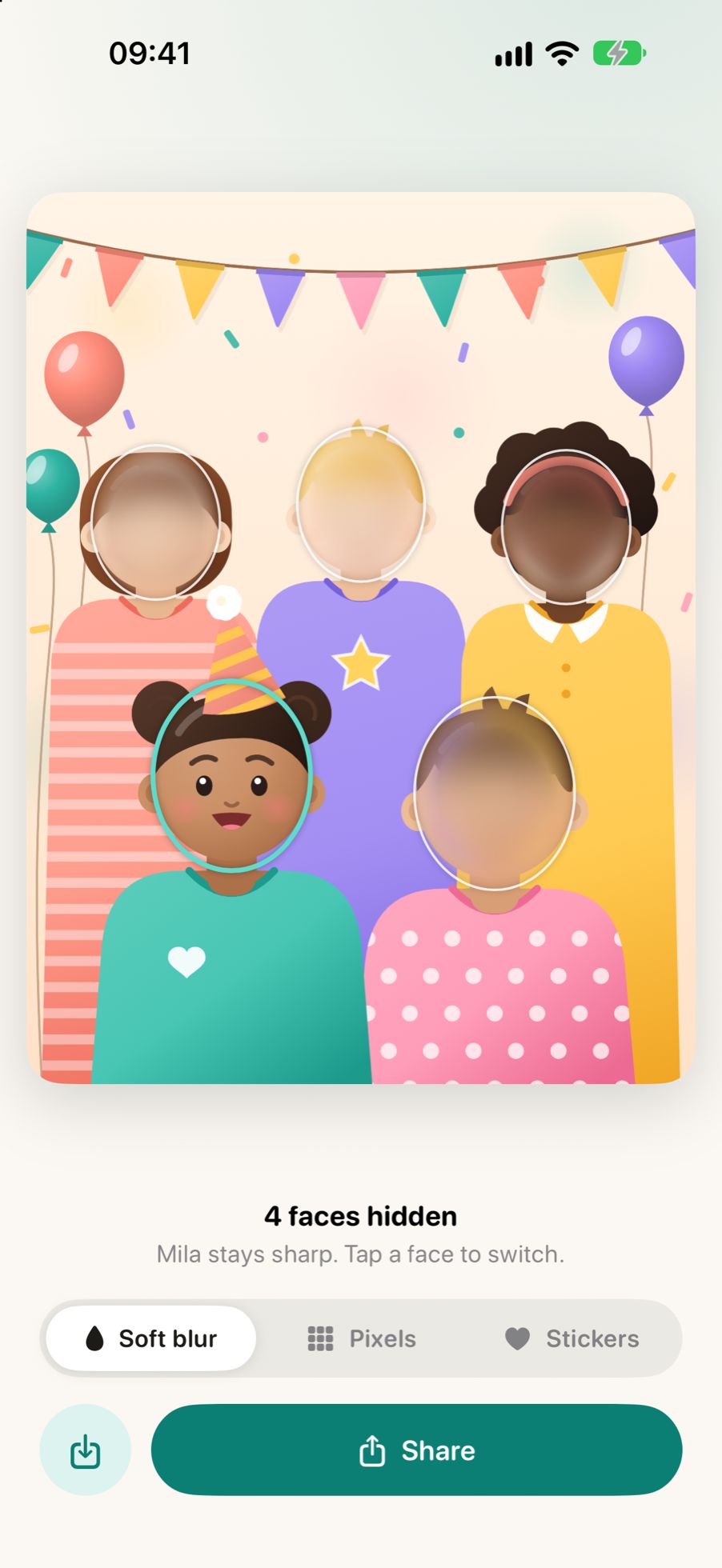
Share in one tap
Every other face is already hidden. Want to change something? Tap a face.
Soft, pixels or a heart
Choose how to hide the other children. Nestpic covers hair and ears too, because they give a child away as well.
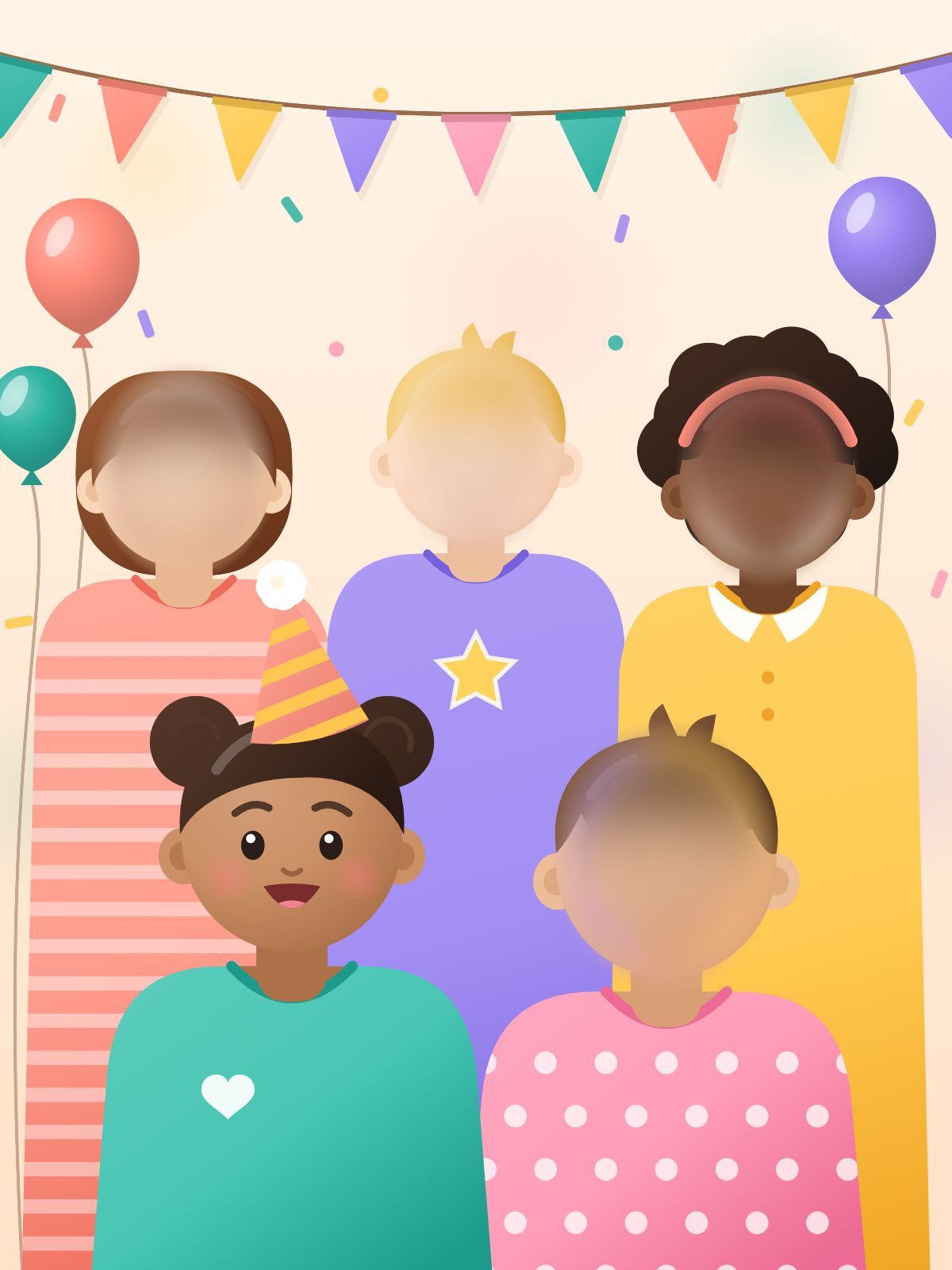
Soft
Calm and unobtrusive.
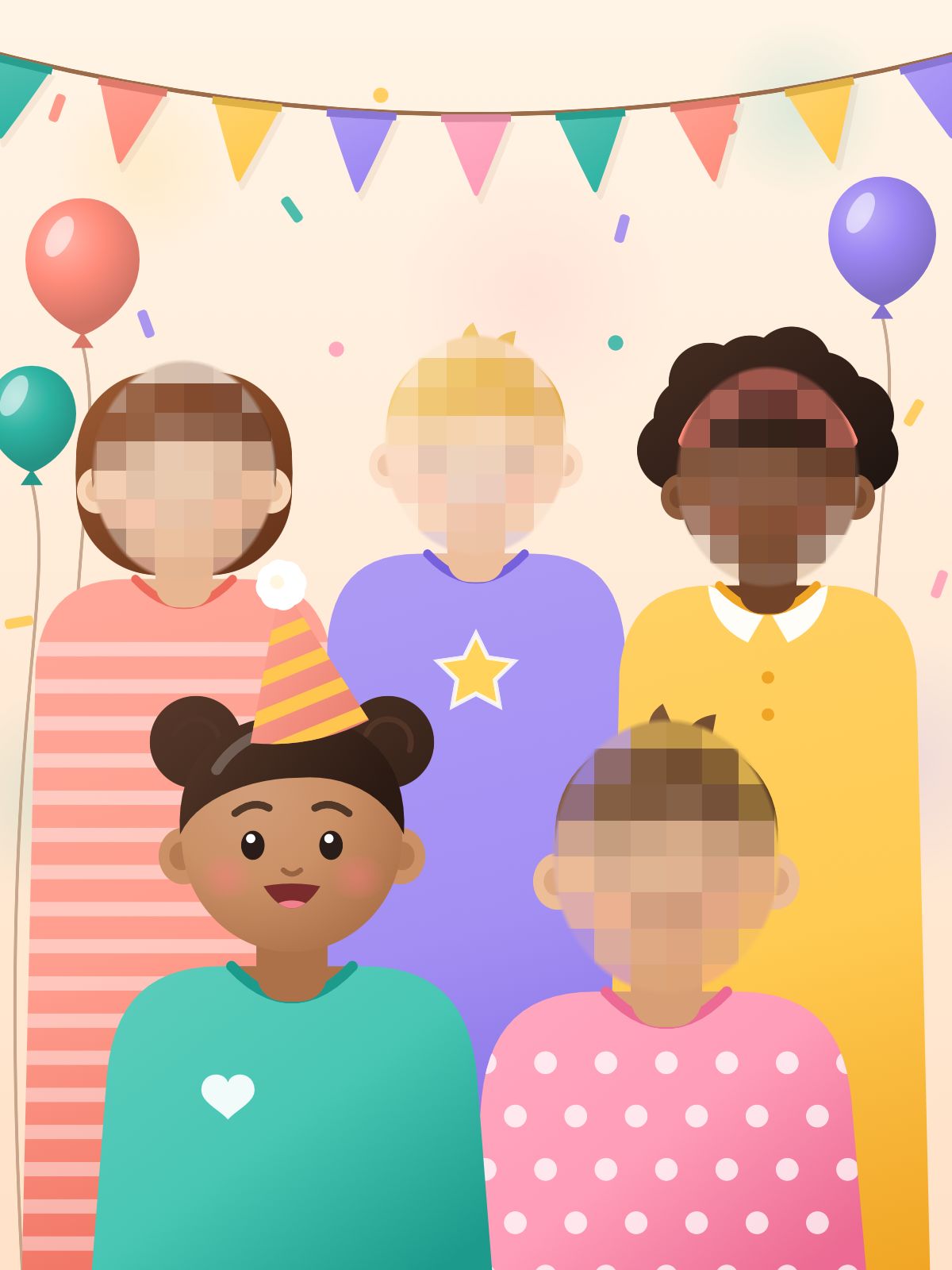
Pixels
Clearly unrecognisable.
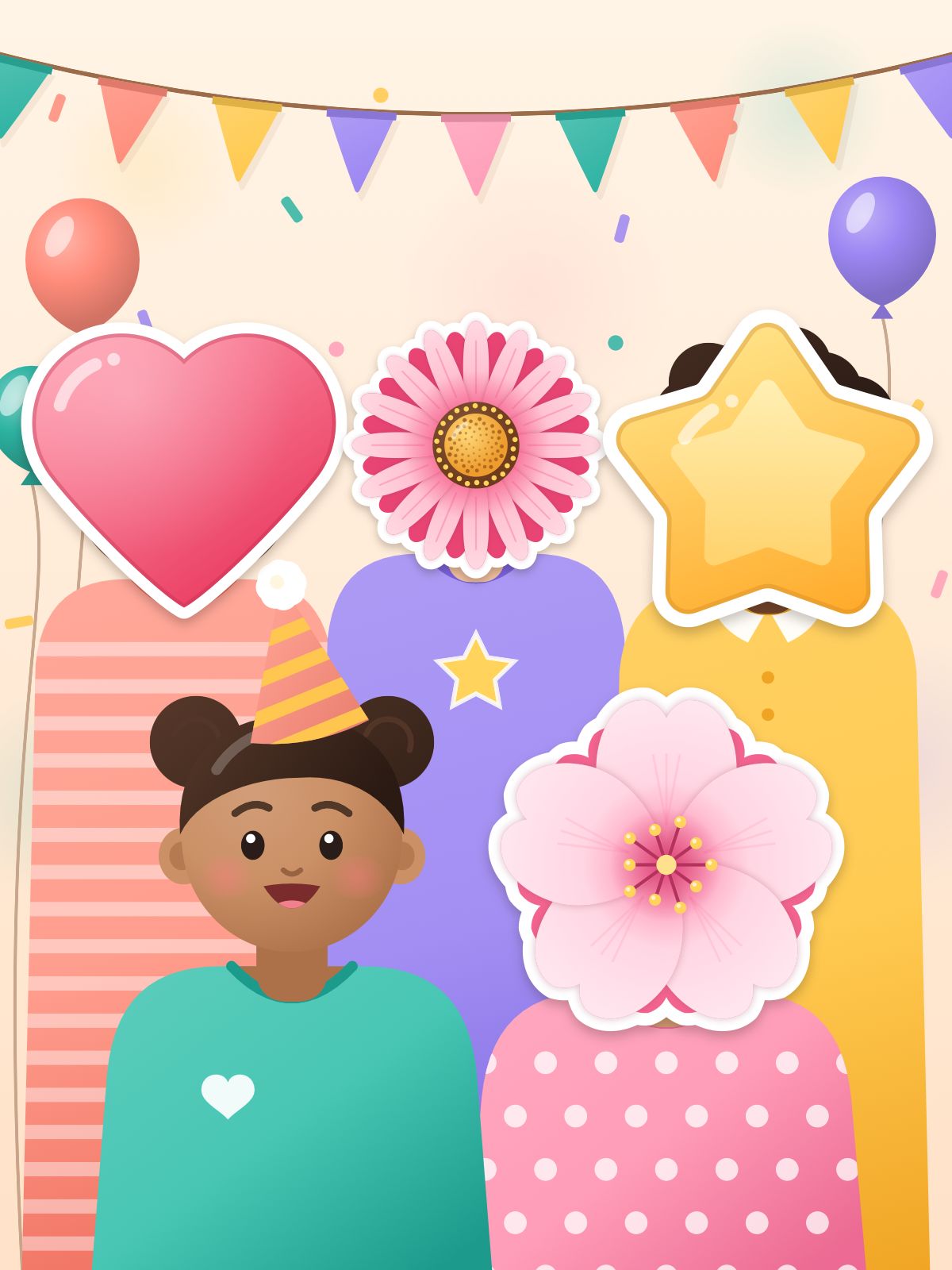
Stickers
A heart, a flower or a star.
Premium
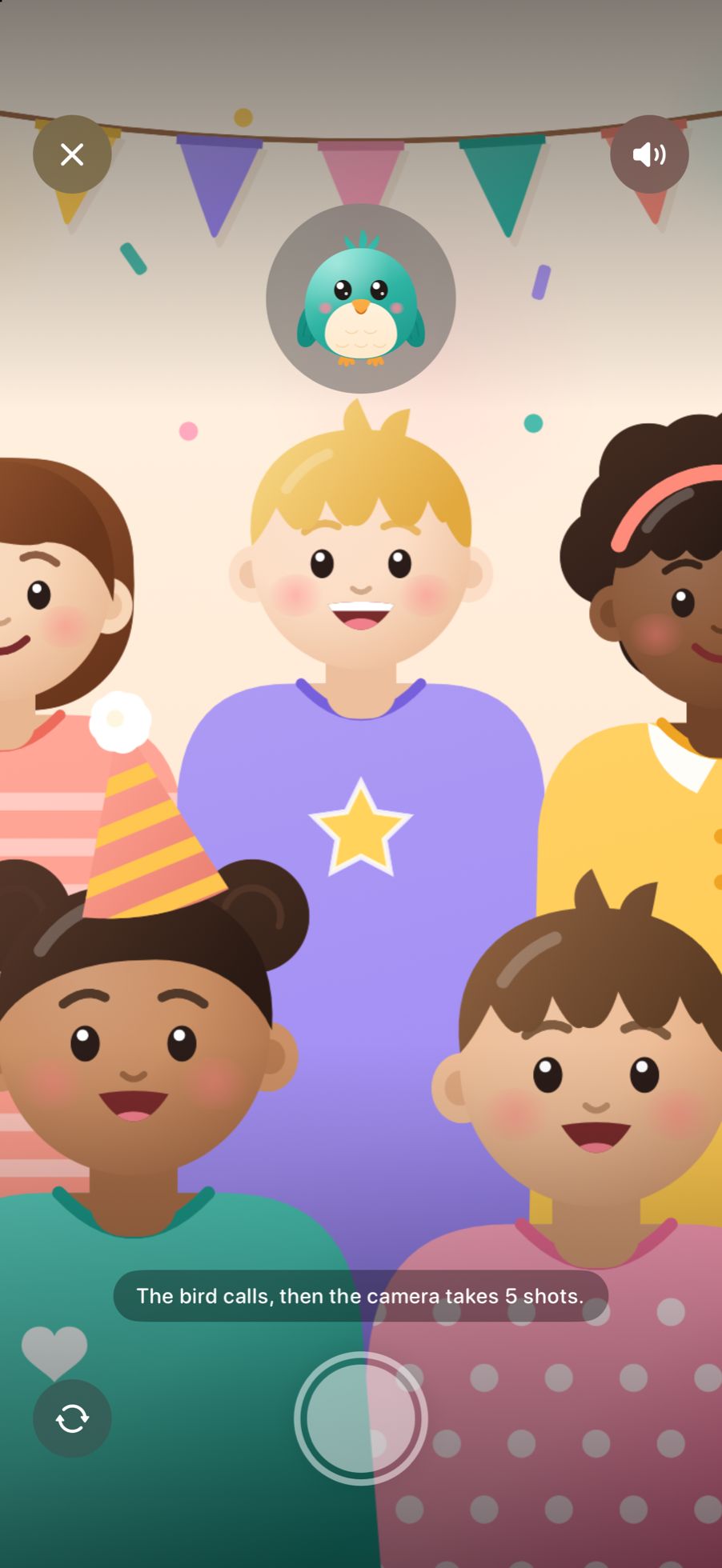
The bird calls. Your child looks.
The Nestpic camera lets a cheerful bird chirp. Your child looks up, Nestpic takes a burst of photos and picks the sharpest one with open eyes. The others are a swipe away.
Your photos never leave your iPhone.
On your device
Finding, recognising and hiding faces happens on your iPhone itself, even without internet.
No account, no cloud
Nothing to sign up for. What Nestpic knows about your child is stored encrypted on your iPhone and left out of backups.
No hidden data
Before you share, Nestpic removes the location and other hidden data from the photo.
For schools, daycare and clubs
Sending photos of the school party or sports day to parents? With Nestpic, a few taps hide the children who shouldn't be shown. No account and no cloud.
Start for free
Free
- 5 photos a month
- 1 child
- Soft, pixels and stickers
Premium
- Unlimited photos
- All your children
- The bird camera
Once, or by the year
Questions
Does Nestpic always recognise my child?
Not always. When Nestpic is unsure, it hides too much rather than too little. One tap on your child's face and it's visible again.
What if Nestpic misses a face?
Tap the spot and it's hidden too.
What data do you collect?
No photos, no faces, no names: they stay on your iPhone. The app keeps usage statistics without knowing who you are, and purchases go through Apple.
Which iPhones?
Any iPhone with iOS 17 or later.

Ready for the next party?
Nestpic is coming soon to the App Store.
Coming soon to the App Store